
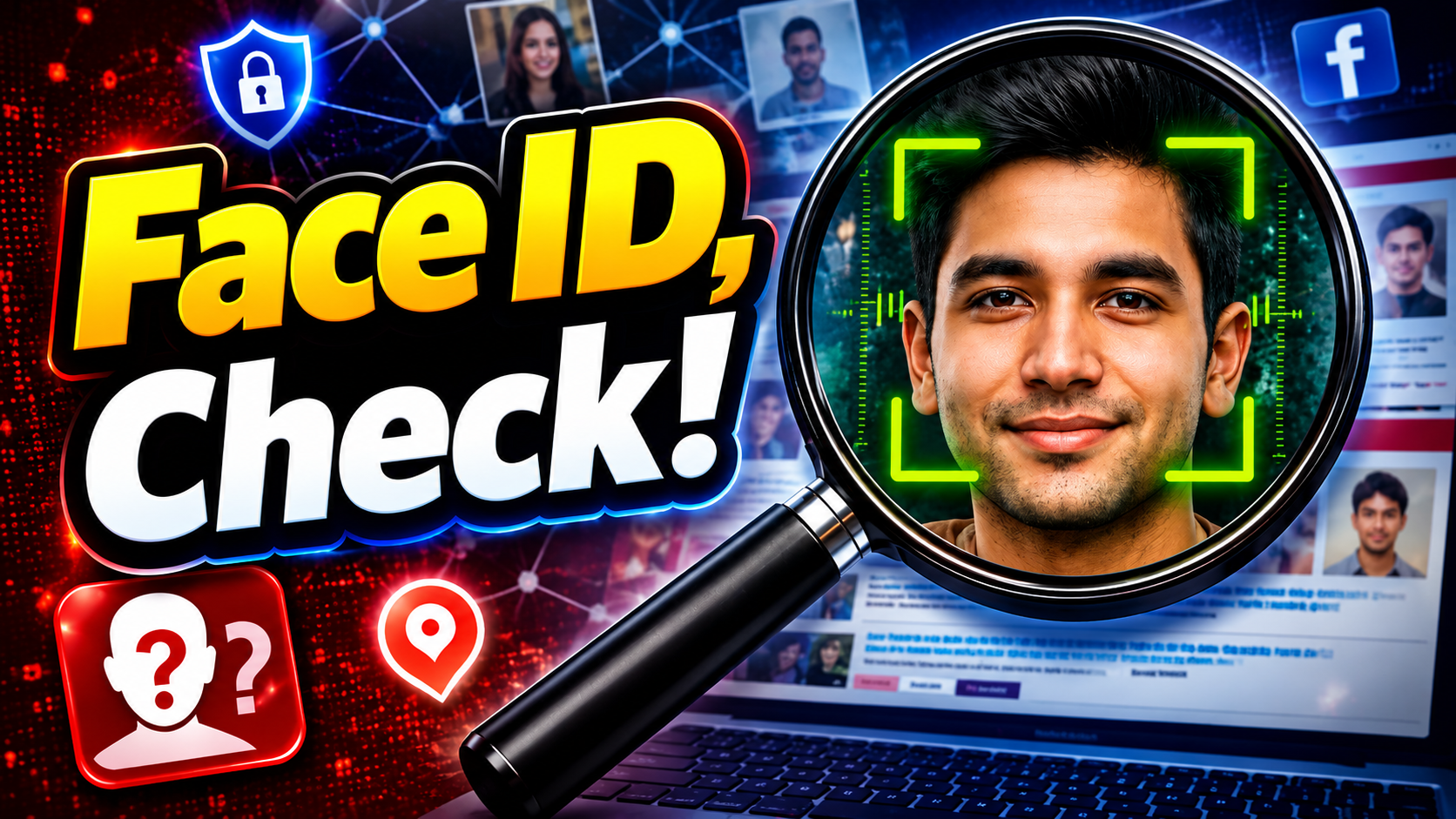
Check If Someone Is Using Your Photo Online: Have you ever wondered if someone else’s website, social media profile, or unfamiliar account is using your personal photo? You can use reverse image search tools to see if the identical image, an altered version of it, or an image that seems similar can be found elsewhere on the public internet.
This can be helpful if you want to know where an old photo has been published or if you are concerned about a phoney profile, photo misuse, or impersonation. You don’t have to manually look through hundreds of websites. The majority of the job may be completed by a few reverse image search engines.
What is an image reverse lookup?
You start a standard google search with words. Reverse image search operates differently. Instead of typing in a name or a phrase you upload an image and the service searches its accessible index for matching/related images and webpages. For example, Google Lens can provide similar photos and websites featuring the same or similar image. In supported locations, you can also get more information about an image using a tool Google provides called “About this image.” That means that reverse image search is handy for discovering where a photo may have appeared online.
1. Google Lens
Google Lens is probably the easiest option to try first, especially if you are using an Android or iPhone. You can upload a photo from your phone or search using an image you find on a website. On supported devices, you can also press and hold an image in Chrome and choose the option to search it with Google Lens.
Google Lens can show:
- Similar images
- Websites containing the image or similar images
- Information about objects in the photograph
- Related search results
If you are checking whether your photograph has been reused, start with the complete image. If you do not get useful results, try cropping the image to focus on the main subject. Google Lens is particularly useful when you want to find the same photograph or discover webpages where a similar version appears.
2.FaceCheck
If what you mostly care about is whether a photo of your face is on other public webpages, FaceCheck does something different. FaceCheck calls itself a reverse face search engine. It uses facial similarity analysis to discover webpage that contains similar faces to the uploaded image face. It can be beneficial for checking potential false profiles or if someone might have reused your photograph.
There is, however, one big caveat. A face resemblance finding is not confirmation of identity. FaceCheck itself advises its results should not be used to verify someone’s identification for legal or prosecutorial purposes.
So consider the results leads that you want to independently verify.
FaceCheck also says it doesn’t add uploaded search photographs to its database, and that search history is destroyed within 24 hours. Users should review the service’s current privacy information prior to uploading sensitive images.
3. TinEye
TinEye is another well-known reverse image search engine, but its approach is different from a face-search service.
You can upload an image, paste an image or provide an image URL. TinEye then compares the image against its index to find matching versions.
It can be particularly useful when you want to find:
- Copies of the same photograph
- Cropped versions
- Edited versions
- Resized versions
- Older or higher-resolution versions
- Websites where an image appears
TinEye explains that its image recognition system creates a digital fingerprint of the submitted image and compares it against images in its index. One useful feature is the ability to sort results by options such as newest, oldest, biggest image and most changed. If your main goal is finding copies of the exact photograph rather than identifying a face, TinEye can be a strong option.
4. PimEyes
Another service that specialises in face-based image search is PimEyes. This can be beneficial when you wish to explore if there are similar photos of the same face on publicly available websites. Like other face search services, results should be handled with caution. A visual match does not necessarily mean that the person in two photos is the same person. This is especially true in the case of strangers, private persons or delicate situations.
Which Reverse Image Search Tool Should You Use?
Each tool has a slightly different purpose.
| Tool | Best for |
|---|---|
| Google Lens | General image and webpage search |
| FaceCheck | Finding visually similar faces on public webpages |
| TinEye | Finding copies and modified versions of an image |
| PimEyes | Face-focused image search |
If you are checking your own photograph, using more than one service can sometimes provide a broader picture because their indexes and search methods are different. For example, you could start with Google Lens, then try TinEye for exact image copies and use a face-search service if your concern is specifically about photographs of your face.
Check If Someone Is Using Your Photo Online Identify a Fake Profile
If you think someone has made a phoney social media page with your picture, a reverse image search will help you find out. Upload your original photo to Google Lens. Search the results for websites or social media pages that use the same or a similar image. If you can’t find anything relevant, try TinEye to specifically search for copies of the image. If you’re looking for faces, you may also want to try FaceCheck or another face-search site.
If you do find a profile with your photo compare the publicly viewable details carefully. Don’t use a matched photograph as proof of who runs the account. If you suspect your image is being misused, please take screenshots of the profile, username, photograph and related sites before reporting it.
What if someone is using your photo without your permission?
How you should react if you discover that someone has used your picture without your consent depends on the situation. If it’s a fraudulent social media account that’s pretending to be you, follow the platform’s formal impersonation or reporting process.
If your photograph is being used commercially or is on a website without your permission, you may have to contact the website owner or platform and ask them to remove it. If it’s a case of harassment, threats, fraud or significant misuse of your identity, keep the evidence and consider getting the right professional or legal guidance. And don’t try to access someone else’s private account or get private information just because you spotted a potential image match.
How to Keep Your Photos Safe Online
Reverse image search might help you find misuse, but prevention is equally crucial. Don’t upload high-res personal photos in public if they’re not meant for that. Review your social media privacy settings frequently. Beware of giving out your personal images to strangers or websites. If you’re a content provider, photographer or business owner, do a periodic search of essential photographs to check where they appear online. And it’s worth keeping in mind that a photograph being on the internet does not necessarily mean it has been used unlawfully. Image use rights and copyright depend on the situation and relevant legislation.
How to Review a Possible Photo Match
Finding a result is only the beginning. Before reporting a page, compare the actual photograph with your original. Look at the background, clothing, crop and other visible details. A similar face or a similar pose is not enough to establish that your photograph was copied.
Open the source page when it is safe to do so and read the surrounding context. A search thumbnail alone may not explain why an image appears there. Check whether the page is discussing your work, crediting you, impersonating you or presenting the image as something else. Keep those situations separate when deciding what to report.
For your own records, note the page address, account name and date you found it. Save a screenshot that shows both the photograph and its context. Keep an original copy of your image separately. Avoid editing the evidence or posting accusations based only on an automated match.
If you cannot find a result, that does not prove your photo has never been shared. Search services cover different parts of the public web, and private or inaccessible pages may not appear. Try another version of your own photograph or another search tool before drawing a conclusion.
When you report a suspected misuse, describe exactly what you observed and use the platform’s reporting process. Do not contact unrelated people because they resemble someone in a result. Protect your own information too: review a service’s upload and retention terms before submitting a personal image.
Final Thoughts
If you want to check whether someone is using your photo online, you do not have to rely on one search engine.
Google Lens is a good starting point for general image and webpage searches. TinEye is useful when you want to find copies or modified versions of an image. FaceCheck and PimEyes can be considered when your search specifically involves facial images. The most important thing is to treat search results as evidence to investigate, not automatic proof of someone’s identity.
If you find a suspicious profile or website using your photograph, save the relevant information, report it through the appropriate platform and avoid sharing sensitive personal information with the person behind the account.





3 thoughts on “Check If Someone Is Using Your Photo Online Insta & Facebook in 2026”