Somebody posts a reel from a wedding hall in Ranipet. You were at the same wedding. Now you want to see everyone else who posted from that hall, and maybe find the cousin whose handle you forgot to ask for. Two years ago this was one tap: search the place, open the Places tab, scroll. This year the Places tab is gone, and a lot of people have decided Instagram location search is dead.
It is not. Instagram location search is alive, and the location pages are all still there, with every public post tagged at that spot and the account name on each one. Instagram just hid the front door. This guide shows the three doors that still open, which one to use on a phone and which one to use on a laptop, and how to read the page once you are in.
Quick answer
- Instagram location search still works; only the Places tab in the search bar was removed
- Instagram location search on the website is the fullest version, with Top, Recent and In the area tabs
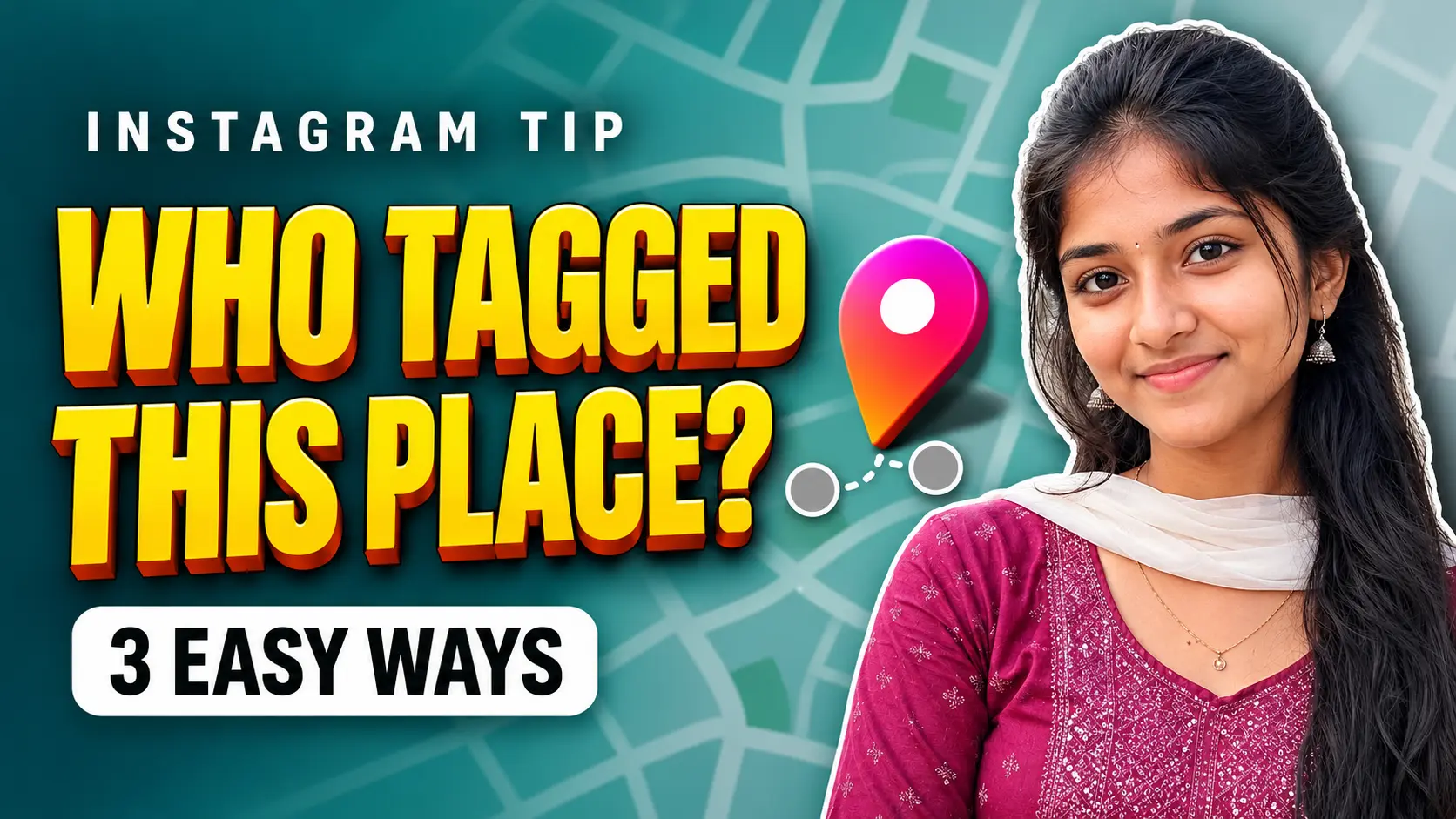
- Three ways in: tap a location tag on any post, open the Map from your inbox, or use the location page on the website
- Each post on a location page shows the account that tagged it; tap the post to open the profile
- Private accounts never appear, and tagged stories vanish after 24 hours
In this guide
- What changed in Instagram location search this year
- Way 1: Through the location tag on a post
- Way 2: Instagram Map from your inbox
- Way 3: Instagram location search on the website
- Reading the location page and finding the account names
- When the place or the posts do not show up
- Your own posts are on these pages too
- More guides on FZOOK
What changed in Instagram location search this year
Until early 2026, typing a place name into the search bar gave you a Places tab. Tap it, pick the exact spot, and you landed on a page with every public post tagged there, sorted into Top and Recent. People used it to find wedding photos, check whether a restaurant was really as crowded as it looked, and spot who else was at the same concert.
Around May, that tab quietly disappeared. Search a place today and you mostly get accounts and hashtags. Instagram never said why, but the timing lines up with the push behind its new Map, which puts tagged posts on an actual map instead of a list. The location pages themselves were never deleted. They still carry a post count, the Top and Recent grids, and the username on every tile. You just need a different route to reach them, and that is what the rest of this guide covers.
Way 1: Through the location tag on a post
This is the quickest Instagram location search on a phone, and it needs no setting change. All you need is one post, any post, that already carries the location you want.
- Find a post or reel tagged at the place. The location name sits in small text under the username, above the photo.
- Tap that location name. Instagram opens a map view centred on the pin.
- Look under the pin for See more and tap it.
- A panel slides up with the place name, the number of posts, and two grids: Top and Recent.
- Tap any tile. The post opens with the account name at the top. Tap the name to reach the profile.
If you do not have a post handy, open the profile of the venue itself, a cafe, a college, a temple. Most places tag their own location on every post, and that tag is your way in.
Way 2: Instagram Map from your inbox
The Map arrived in India in October 2025, and it is where Instagram wants location browsing to happen now. It shows location-tagged posts, reels, stories and notes from accounts you follow, pinned to the spot they were tagged at, for 24 hours after posting.
- Open your DM inbox (the paper-plane icon) and tap the globe icon at the top.
- The first time, Instagram asks whether you want to share your own location. Choose No one if you only want to browse; you can still see everything.
- Pinch to zoom into the area. Tagged posts appear as small thumbnails on the map.
- Use the search bar inside the Map to jump to a specific place or a friend.
- Tap a thumbnail to open the post, then the username to open the profile.
The catch with this kind of Instagram location search is in the word “follow”. The Map is built around people you already follow, so it will not show a stranger’s post from the same beach. For that you need Way 1 or Way 3. The Map is best when you are checking where your own circle has been in the last day.
Way 3: Instagram location search on the website
This is the route I use most, because it works on a laptop, needs no app update, and the page even opens without logging in. Instagram location search on the web never lost its Top and Recent tabs.
- On any browser, open instagram.com/explore/locations/. You get a directory of countries, then cities, then individual places.
- Drill down to the place, or, faster, open any post tagged there on the website and click the location name under the username.
- The location page opens with a small map at the top, the post count, and three tabs: Top, Recent and In the area.
- Hover over a tile to see likes and comments; click it to open the post and the account name.
Look at the address bar while you are there. It reads something like instagram.com/explore/locations/213385402/marina-beach/. That long number is the location ID. Save that link once and you can come straight back to the page any time, which is handy if you run a page for a shop or a hall and want to check who tagged it every week.
| Route | Works on | Who you can see | Best for |
|---|---|---|---|
| Location tag on a post | Phone app | Every public account, old and new | Quick check from one post |
| Instagram Map | Phone app | Only accounts you follow, last 24 hours | Where your friends were today |
| Website location page | Any browser, no login needed | Every public account, old and new | Laptop use, regular checking, saving the link |
Reading the location page and finding the account names
Whichever door you came through, the page works the same way. Instagram location search gives you two grids, and the difference between them matters more than people think.
Top is ranked. Instagram picks posts with more likes and comments, so a wedding reel from three months ago can sit above a photo posted this morning. Recent is the real feed, newest first, and it is the tab to use when you want to know who was at the place today or this week. In the area, on the website only, lists nearby locations, useful when a venue has two or three slightly different names on Instagram.
To get the account name, tap or click a tile. The username sits at the top of the post. On the website, the names also show if you hover and wait a second. There is no list view of usernames, so if you are looking for a specific person at a specific event, go to Recent and scroll through the day; it is faster than it sounds because the tiles are small.
Two limits of Instagram location search to keep in mind. Private accounts never appear on a location page, even if they tagged the place, because their posts are not public. And stories tagged at a location only show on the Map, only to followers, and only for 24 hours. If someone posted a story from the hall and not a post, the location page will not have it.
When the place or the posts do not show up
Instagram location search has a few habits that look like bugs but are not. Here is what usually explains an empty or odd page.
| What you see | Why it happens | What to do |
|---|---|---|
| The place is not in search at all | Places tab is gone; search now favours accounts and hashtags | Open any post tagged there and tap the location, or use the website directory |
| Recent tab looks empty or very short | Instagram trims Recent on some location pages in the app | Open the same place on the website; Recent is fuller there |
| Two pages for the same venue | People create slightly different location names when posting | Check In the area on the website and look at both pages |
| A friend’s post is missing | Their account is private, or they tagged a story, not a post | Ask them directly; nothing on the page will show it |
| No See more button under the pin | Older app version still showing the old map layout | Update Instagram from the Play Store or App Store and try again |
Your own posts are on these pages too
Everything above cuts both ways. If your account is public and you tag your gym, your college or your street-corner tea shop, your face is on that location page for anyone who opens it. That is fine for a holiday reel from Ooty. It is less fine for a daily post from the place you actually live.
Three quick habits keep Instagram location search from working against you. Tag the city rather than the exact building for anything posted from home. Post a location tag after you have left the place, not while you are still there. And open your own Map settings once, under Settings, then Story, live and location, to confirm location sharing is set to No one unless you chose otherwise. On the Map you can also add Hidden places, a radius around your home or office that never appears on the map even if you tag it.
To clear an old tag, open the post, tap the three dots, choose Edit, tap the location name and remove it. The post disappears from that location page within a few minutes. While you are tidying up, it is also worth knowing how to check whether your photos are being reused elsewhere, since location pages are one of the first places people pull images from.
Instagram location search, the short version
Instagram location search did not go anywhere; the shortcut did. Tap a tag on a post when you are on your phone, open the website page when you are on a laptop, and use the Map when you only care about your own friends. Switch to Recent, tap the tile, read the name. That is the whole trick, and it works just as well for a wedding in Ranipet as it does for a concert in Chennai.
More guides on FZOOK
- Instagram app guide for the settings most people never open
- Instagram password help if you are locked out before you can even search
- Instagram chat wallpaper with your own photo for a small change that makes the app feel yours
- Photo actions guide for quick fixes before you post from a new place