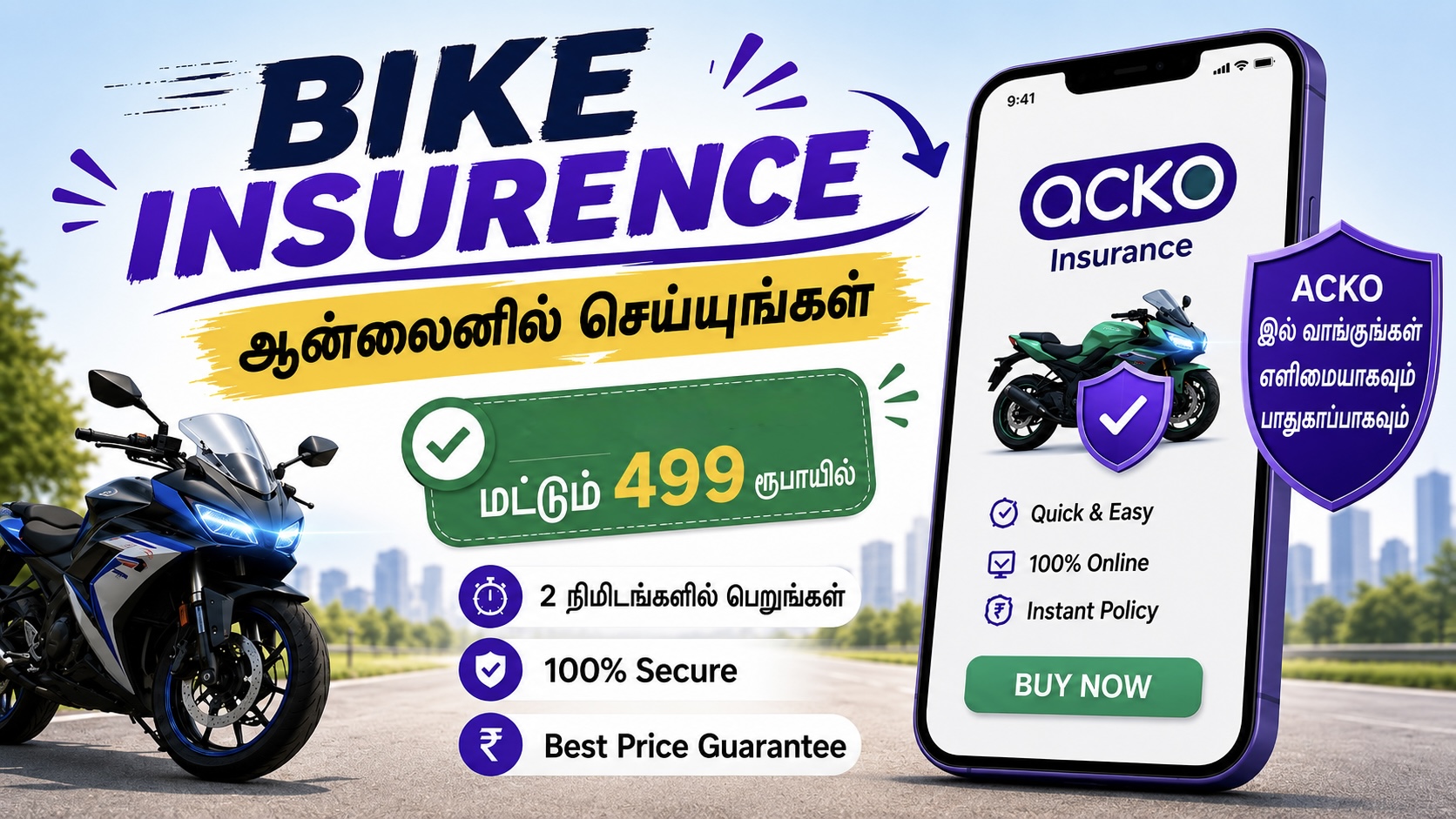
ACKO Challan Mobile apps and online services have made it much easier to check a traffic challan. The ACKO app offers a fast way to check challan details using your vehicle registration number if you own a car or bike and want to see if there are any outstanding traffic penalties. When you’re not sure if your car has been issued an e-challan for speeding, signal violations, parking violations, or other traffic infractions, the service can be helpful. Through its website and app, ACKO offers a challan-checking feature. ACKO claims that by inputting their car registration number, consumers can view both paid and pending challans.
What is E-ACKO Challan?
E-Challan is a digital traffic ticket that is issued for a recorded traffic offence. Depending on the offence and enforcement mechanism, the infraction may be recorded by traffic cameras, automated systems or traffic police.
A challan may contain details like vehicle number, date and place of violation, details of infraction and the fine applicable. The e-Challan system is managed by the Ministry of Road Transport and Highways, Government of India and is an official website to check challan status and make payment.
Steps to Check and Pay E-Challans via the Acko App
ACKO Challan Paying your traffic fines takes just a couple of minutes using your smartphone. Follow these simple steps:
-
Download the App: First, download and install the ACKO app from the Google Play Store or Apple App Store.
-
Secure Login: Open the app and log in using your registered mobile number or email ID via OTP verification.
-
Navigate to Discover: On the app’s home screen, scroll to the ‘Discover’ section and tap on the ‘Pay traffic challans’ (or ‘check pending challans’) option.
-
Enter Vehicle Details: Input your vehicle’s exact Registration Number (your bike or car’s RC number) and hit search.
-
View Your Status: The next screen will clearly display any pending e-challans associated with your vehicle, along with a history of previously paid challans.
-
Review and Pay: If you have a pending fine, verify the details (reason, date, location), and click ‘Pay Now‘.
-
Complete Payment: Use your preferred secure payment method—UPI (GPay, PhonePe), Net Banking, or Credit/Debit card. Once the transaction is successful, remember to download your digital receipt!
Can you check paid challans also?
Yes. The ACKO challan service can show details of pending and paid challans, so you can check the records accessible for your car. This can be handy if you have already paid for a traffic charge, but wish to check back on it. If your just paid challan is showing unpaid then don’t pay again immediately. Payments and database upgrades can take awhile. ACKO says that delays may happen because of payment validation, bank reconciliation or system synchronisation.
Why You Should Check Pending Challans
Regularly Check Challan Status Regular checking of your challan status can remind you of an unpaid traffic fee. A challan may be outstanding against your vehicle until the challan is cleared. Unpaid issues might get more complicated, depending on the circumstances and traffic laws that apply.
With Early Status Check you have a chance to confirm the violation and do the right thing. This is especially important if you regularly travel around cities that are heavy users of traffic cameras and automated enforcement systems.
Check Challan Status on Acko Website
If you do not want to download the app, you can simply access the Acko website on your mobile or PC.
- Official website www.acko.com .
- the E-Challan widget (often on the right side or bottom of the page).
- Enter your vehicle registration number and click on ‘Check your pending challan’.
- Check the fine print, then pay online exactly like you would in the app.
ACKO versus Official e-Challan Website
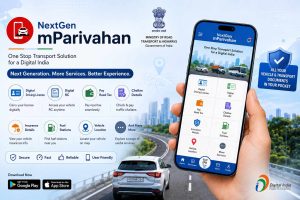
The use of ACKO Challan is convenient since the car owner may get services connected to challan along with other vehicle services on the same app. The government-run system for checking and paying e-Challans is the Official e-Challan portal.
For your convenience you may use ACKO. If you want to independently verify the challan information you may use the official government portal. In case the data provided by different platforms does not seem to be matching, please cross-verify the details from the official e-Challan system before completing another payment.
Key Benefits of Using Acko for Challan Payments
-
Zero Paperwork: The entire process is 100% digital, saving you a trip to the local traffic police station.
-
No Hidden Fees: You can pay your exact fine without any extra convenience charges.
-
Pan-India Support: Check and pay e-challans from across India in one unified platform.
-
Manage Multiple Vehicles: Easily track the challan status of all your vehicles from a single account.
The end:
No need to worry about any pending traffic tickets. Clear your e-challans quickly, securely & hassle-free with the Acko app. Help your friends and family keep informed too, by sharing this handy information! Do you want me to publish a separate English post regarding how to check challan status straight from the official government portal i.e. Parivahan?
Important disclaimer
fzook.com is an independent site and is not associated with Acko Insurance, Traffic Police or other government authority. This tutorial is provided solely for informational purposes. We don’t process payments or gather vehicle data. All the transactions are done in a secured way using different apps or official platforms. You can utilise third-party apps at your own risk. If you are in question, always check your challan details on the official Parivahan website.