
Introduction:
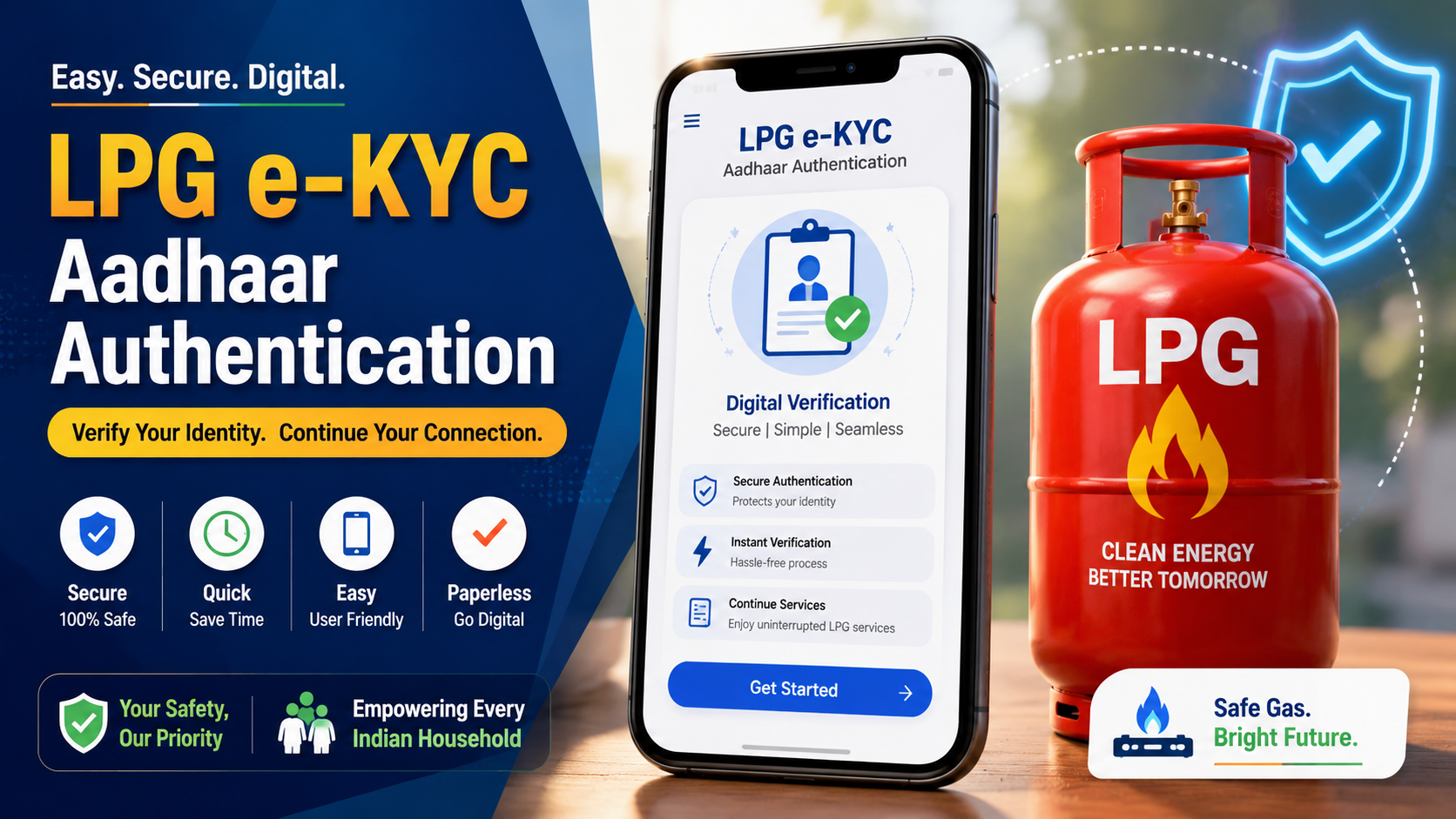
If you have an LPG connection in India, you may have heard about LPG e-KYC and Aadhaar authentication. The process is particularly important for eligible beneficiaries under government LPG subsidy schemes, and the exact procedure can depend on your LPG provider.
In 2026, the official PMUY website provides a self face-based biometric Aadhaar authentication facility, using the oil company’s mobile application together with the Aadhaar FaceRD app. Official guidance also says that PMUY beneficiaries can complete the process through the relevant oil company app or with assistance from LPG delivery personnel.
The good news is that you may not always need to visit a gas agency just to complete authentication. Depending on your provider and account, online or app-based options may be available.
Here is how the process works and what you should check before starting.
What Is LPG e-KYC Online 2026 and Why Is It Needed?
KYC stands for Know Your Customer. In the LPG system, KYC is used to maintain customer identity and address information and to regularize or update LPG connections when required. HPCL, for example, describes KYC as the process used to provide identity and address information for an LPG connection.
For eligible PMUY beneficiaries, Aadhaar-based biometric authentication is also used as part of the e-KYC process. The official PMUY portal currently provides instructions for self face-based biometric Aadhaar authentication.
This is different from simply entering an Aadhaar number on an unrelated website. Consumers should use only the official LPG company or government service.
How to Complete LPG e-KYC Online in 2026
The exact screen names can change depending on whether you use Indane, Bharatgas or HP Gas, so don’t follow random links posted on social media.
For PMUY beneficiaries, the official process currently points users toward their oil company’s mobile application and the Aadhaar FaceRD application.
Step 1: Identify Your LPG Provider
First, check whether your connection is with:
- Indane
- Bharatgas
- HP Gas
Your consumer number, LPG ID or distributor information can normally help identify the connection.
Step 2: Use the Official Service
Do not search for a random “LPG e-KYC” website and enter your Aadhaar details.
Instead, start from the official government or oil company website.
The PMUY website provides the official e-KYC information and links for the participating oil companies.
Step 3: Install the Required Apps
For the self face-based biometric process, the PMUY portal instructs users to download the mobile application of their oil company along with the Aadhaar FaceRD app.
Install applications only from the official Google Play Store or Apple App Store.
Step 4: Start Aadhaar Authentication
Open the relevant LPG company application and follow its e-KYC or Aadhaar authentication instructions.
The exact buttons may differ between providers, so don’t assume that the Indane process will look exactly like Bharatgas or HP Gas.
Step 5: Complete Face Authentication
If your account is eligible for the self-service biometric process, follow the instructions shown in the application and complete the Aadhaar face authentication.
Make sure your face is clearly visible and follow the application’s instructions during the verification process.
Step 6: Check the Result
After completing authentication, keep the confirmation or status information shown by the official application.
If the status does not update immediately, avoid repeatedly submitting the same request. Instead, check again later or contact your LPG distributor or official customer support.
Indane, Bharatgas and HP Gas: Is the Process the Same?
Not necessarily.
For Indane, official IndianOil distributor information currently states that eligible PMUY beneficiaries can complete self biometric e-KYC using the IndianOil ONE mobile app or through LPG delivery personnel.
For HP Gas, HPCL says Aadhaar authentication has been made available through the HP Gas consumer portal, allowing consumers to complete Aadhaar authentication themselves.
For Bharatgas, the official portal provides LPG services including KYC-related services and a Bharat Aadhaar Seeding Enabler facility for checking Aadhaar mapping status.
So, if you’re writing an article about LPG e-KYC, it’s better to explain the three providers separately instead of claiming there is one universal online procedure.
Important Things to Remember Before LPG e-KYC
The biggest mistake consumers can make is using an unofficial website.
Keep these points in mind:
- Use only official LPG or government websites.
- Download apps only from trusted app stores.
- Never share your Aadhaar OTP or UPI PIN with anyone.
- Check the LPG consumer number before submitting a request.
- Keep your confirmation or reference number.
- If the online process fails, contact the LPG distributor.
- Don’t pay an unknown person for an e-KYC service.
For subsidy-related questions, check your official LPG account and bank/Aadhaar mapping status rather than relying on social media messages.
Official Gas Website
- Indane users may use the IndianOil ONE app for self biometric e-KYC where applicable. App Link
- HP Gas provides Aadhaar authentication through its consumer portal. App Link
- Bharatgas provides online LPG services and Aadhaar-seeding status facilities. App Link
- Aadhaar Face Rd
Conclusion
Completing LPG e-KYC online in 2026 can be straightforward when you use the correct official service. The important part is identifying your LPG provider first and then following its current authentication process.
For PMUY beneficiaries, the government has provided a self-service face-based biometric Aadhaar authentication route through the relevant oil company application and Aadhaar FaceRD app. Other LPG customers may have different KYC or Aadhaar-authentication requirements depending on their account and provider.
If online authentication isn’t available or doesn’t work for your connection, the safest option is to contact your LPG distributor or the official customer-support channel rather than using an unofficial third-party website.



1 thought on “How to Complete LPG e-KYC Online in 2026: Aadhaar Authentication & Step-by-Step Guide”