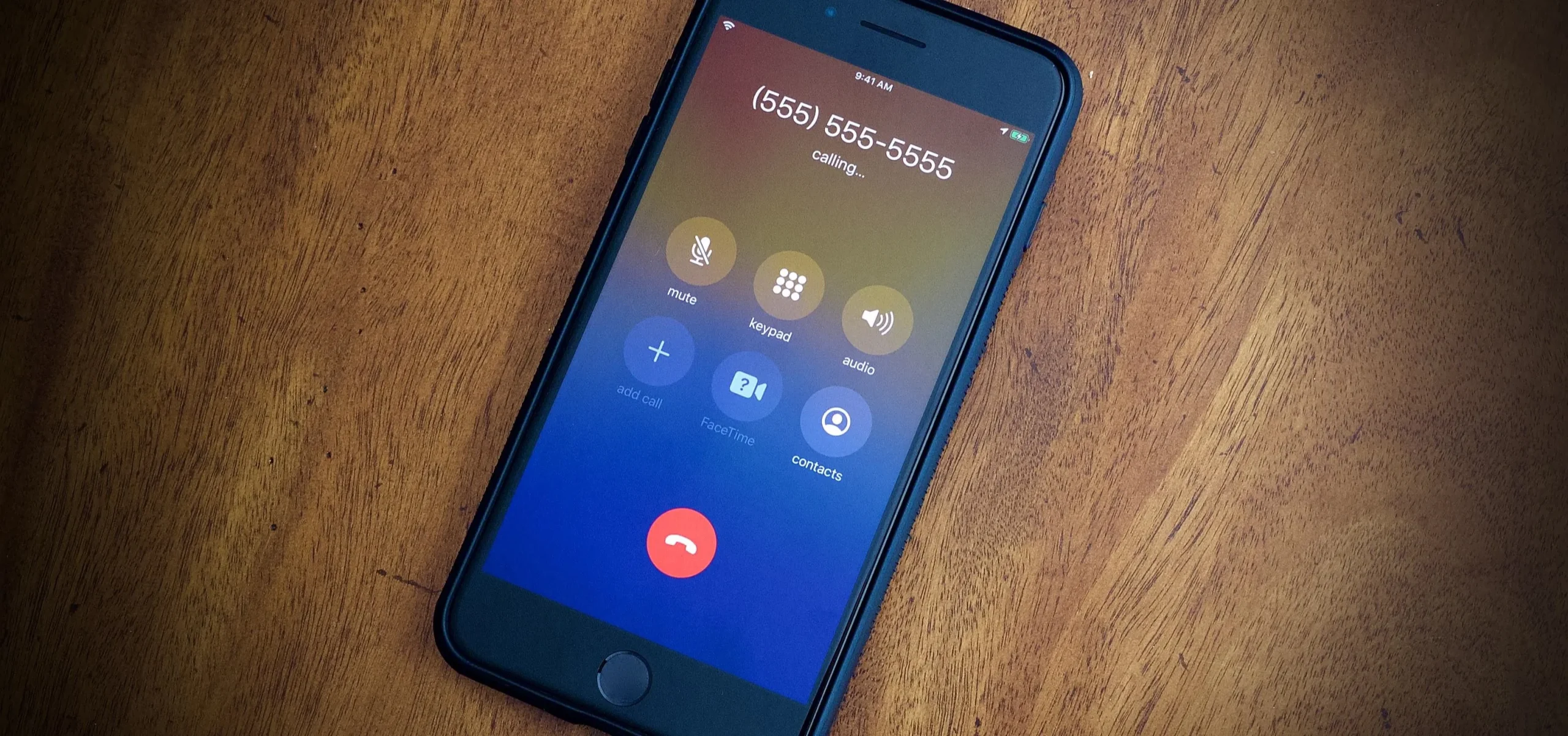
Auto Redial is a convenient mobile application designed to automatically redial phone numbers when calls are busy, unanswered, or disconnected. Instead of manually pressing the call button repeatedly, the app automates the redial process, saving time and effort. It is particularly useful when trying to reach customer support, government offices, businesses, or anyone whose phone line is frequently occupied.
Why an Auto Redial App Is Useful
Calling a busy number repeatedly can be frustrating and time-consuming. The Auto Redial App simplifies this task by automatically attempting to reconnect according to the user’s preferred settings. This allows users to focus on other activities while the app continues trying to establish the call.
Automatic Call Redial Function
The core feature of the Auto Redial App is its ability to automatically redial a selected phone number after a call fails or remains unanswered. Users can configure how many times the app should attempt to reconnect and adjust the interval between each call attempt to suit their needs.
Customize Redial Settings
The application offers flexible customization options for the redial process. Users can set the delay between call attempts, choose the maximum number of retries, and configure other calling preferences. These settings provide greater control over how the app behaves during repeated call attempts.
Helpful for Customer Support Calls
Many people spend significant time trying to connect with customer service representatives, government helplines, banks, hospitals, and utility providers. The Auto Redial App increases the chances of getting through by continuously retrying the call until the line becomes available or the configured limit is reached.
Easy-to-Use Interface
The Auto Redial App features a clean and intuitive interface that makes it simple to start automatic calling. Users only need to enter or select a phone number, configure the preferred redial settings, and begin the process. The straightforward design makes the app suitable for users of all experience levels.
Save Time and Reduce Effort
By automating repetitive dialing tasks, the Auto Redial App helps users save valuable time. Instead of manually placing the same call over and over again, the app performs the process automatically, reducing frustration and improving convenience during busy calling situations.
Suitable for Personal and Professional Use
The app can be beneficial for students, professionals, business owners, customer support teams, and anyone who frequently needs to contact busy phone numbers. Whether reaching a government office, booking appointments, or contacting clients, automatic redialing makes communication more efficient.
Reliable Calling Assistance
Auto Redial is designed to provide consistent calling assistance whenever repeated call attempts are necessary. Depending on the device and operating system, the app works within available calling permissions to automate redial attempts while respecting system limitations and user settings.
Privacy and User Control
The Auto Redial App generally focuses on call automation and allows users to manage all settings directly within the application. Users remain in control of the redial process and can stop automatic dialing whenever they choose. Reviewing the app’s permissions and privacy policy before use is recommended to understand how call-related data is handled.
Final Thoughts
Auto Redial is a practical communication tool for anyone who regularly encounters busy phone lines or unanswered calls. With automatic redialing, customizable retry settings, and an easy-to-use interface, the app helps users connect more efficiently without the need for constant manual dialing. Whether for personal, business, or customer service calls, the Auto Redial App offers a simple solution to improve your calling experience.