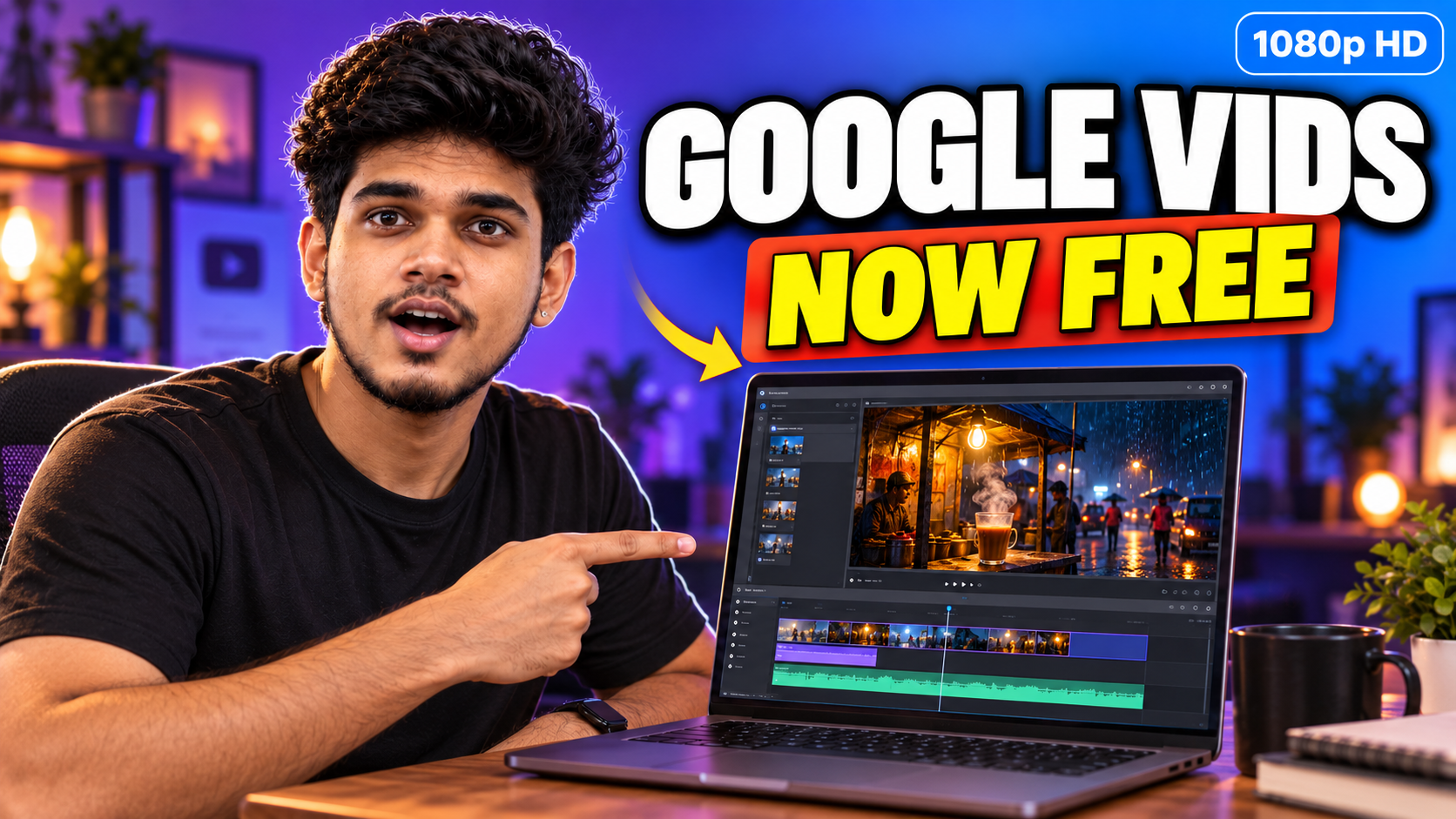
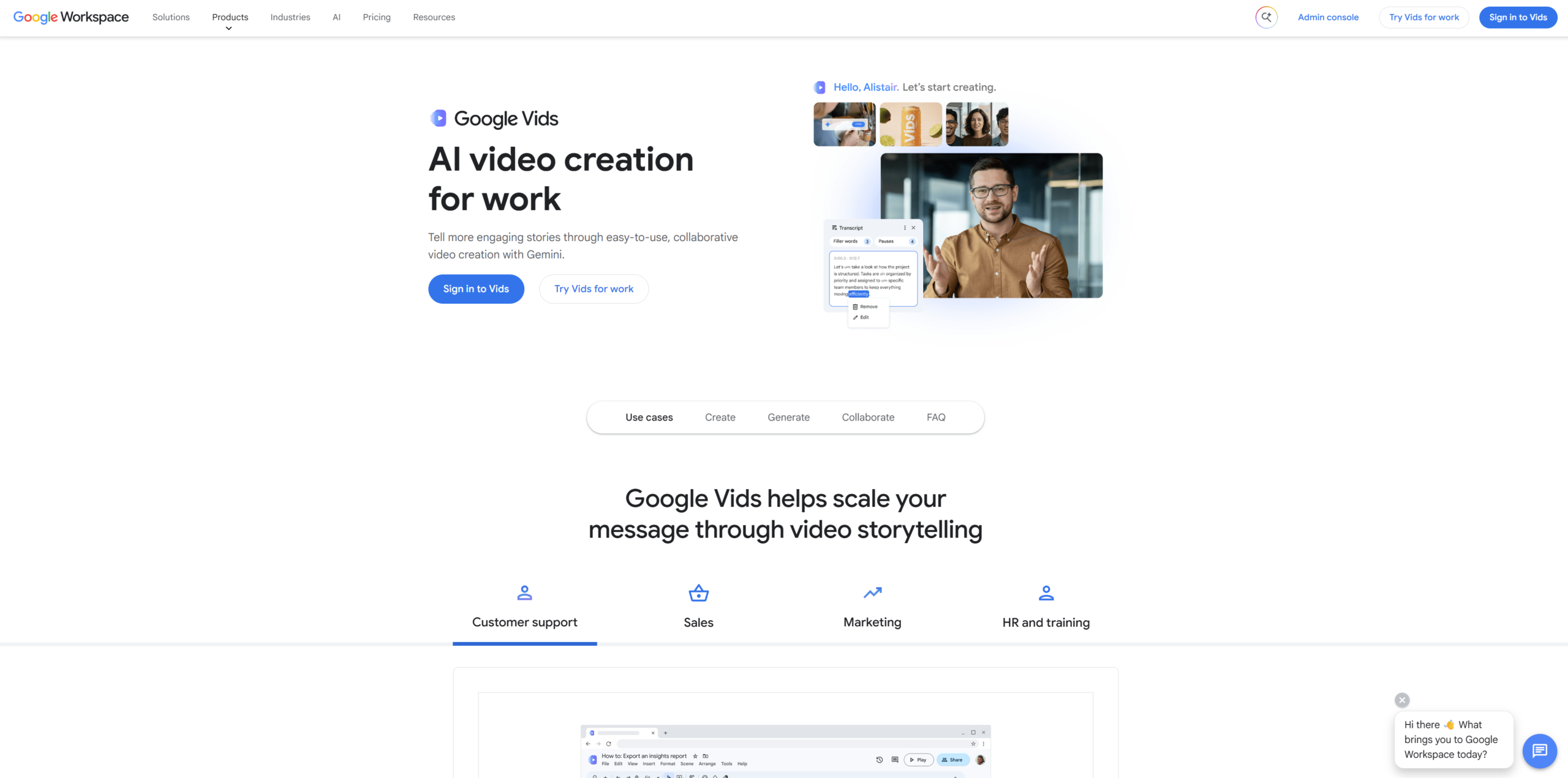
Google Vids used to be something you only got through a paid Google Workspace plan. That changed on September 23, 2026. Google opened video generation in Google Vids to anyone with a personal Google account, at no cost, and the clips now come out in full 1080p HD.
If you make short videos for Instagram, YouTube, a small shop or a class you teach, this is worth ten minutes of your time. Below you’ll find what actually changed, how much you get for free, where the limits are, and a simple way to make your first clip without wasting your monthly quota.
Google Vids update at a glance
What Is Google Vids?
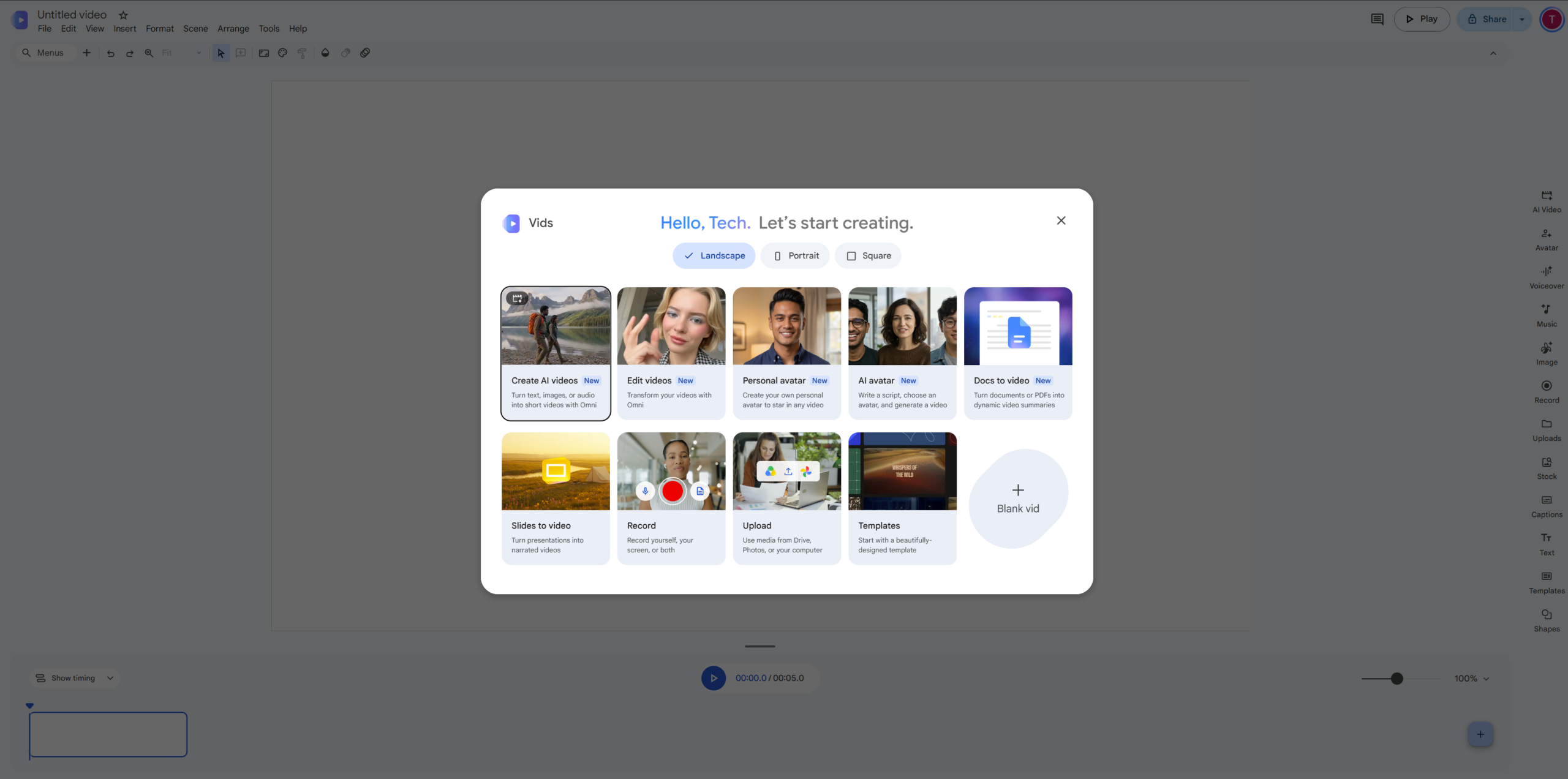
Think of Google Vids as Google Slides, but for video. You work in the browser, drag scenes around on a timeline, add text, stock footage, music and your own recordings, and share the project the same way you share a Google Doc. There’s nothing to install.
Until recently, most people outside offices never touched it. The app sat inside Workspace, and the part that creates new footage was mostly kept for paid plans. Earlier this year Google let free users record their screen with a Chrome extension and publish straight to YouTube. The September update goes a step further and gives everyone the model that creates new footage from a written description.
What’s New in the September 2026 Google Vids Update
The new features come from Gemini Omni 1.1, the model Google now uses inside Vids. Here is what it changes for you, in plain terms.
1. You choose the exact length
Older tools gave you fixed clip lengths and left the trimming to you. Now you tell Google Vids exactly how long the clip should be. If a scene has to match a line of your voiceover, you ask for that length instead of cutting it down later.
2. Scenes can be extended
Got a clip you like, but it ends too early? You can extend it. Google says the added part keeps the same lighting, setting and look of the characters, with a smooth join between the two. For story videos with a recurring character, this is the most useful change in the whole update.
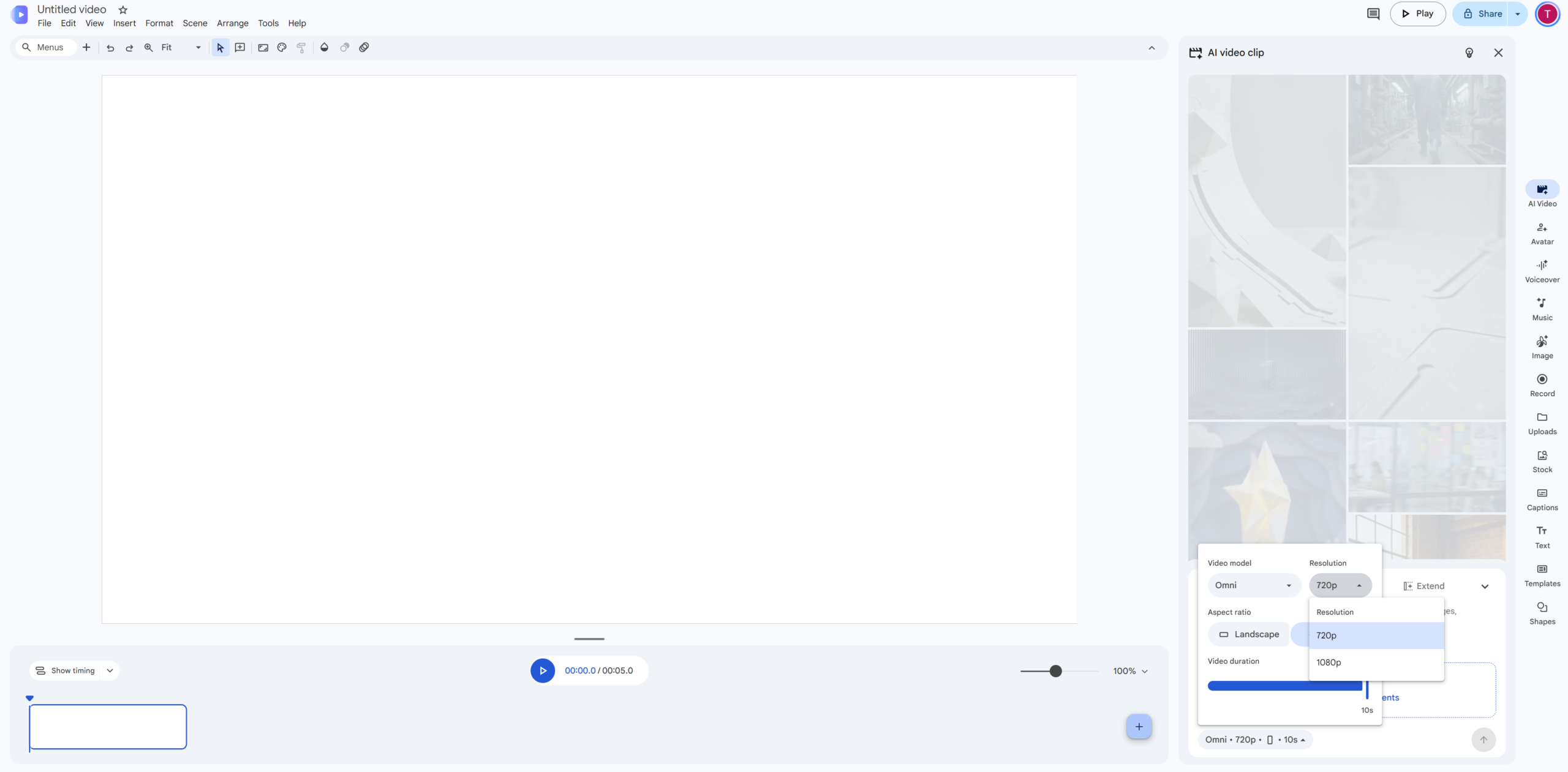
3. Full 1080p output
New scenes are generated in 1080p HD. That’s the resolution most phones record in and what YouTube and Instagram handle well, so your clips won’t look soft next to your own camera footage.
4. Old clips can be upscaled
If you made lower resolution clips before this update, you can upscale them to match. An older project doesn’t have to look out of place next to the new scenes.
Two more things are worth knowing. Every clip carries a SynthID watermark. You can’t see it, but it lets software check that the footage was machine made. Google also says a text-to-speech voiceover tool that works in more than 100 languages is coming soon, so you’ll be able to turn a script into narration without recording your own voice.
How Much Can You Use Google Vids for Free?
Google’s announcement doesn’t put a number on the free allowance. TechRepublic reports that personal accounts get six clip or avatar generations a month, counted together. Treat that as the working figure and check the counter inside the app, because Google adjusts these limits from time to time.
Creation is desktop only. You can watch finished videos on your phone, but generating and editing happen in a computer browser. If you need more than the free allowance, Google points personal users to its Google AI plans and businesses to Google Workspace.
| Plan | Best for | What you get in Google Vids |
|---|---|---|
| Free personal account | Creators, students, anyone trying it out | The full editor, 1080p generation and a small monthly allowance |
| Google AI plans | Individuals who make videos every week | A bigger generation allowance and extras such as custom music |
| Google Workspace Business and Enterprise | Companies and teams | Vids on every plan from Business Starter up, larger shared generation pools and admin controls |
Workspace prices change by country and billing cycle, so check the official Google Workspace pricing page before you pay for anything.
How to Make Your First Video in Google Vids (5 Steps)
You’ll need a laptop or desktop and a Google account. The whole thing takes about as long as making a short slide deck.
Go to vids.new in Chrome or any desktop browser and sign in with your Google account.
You’ll find it in the creation menu. This is the option that makes new footage from your description.
Say who or what is in it, where it happens, the time of day, how the camera moves and the mood. One clear scene per prompt works far better than a whole story at once.
Choose the exact duration you want. If the result is close but too short, extend the scene rather than starting again, so the character and setting stay the same.
Add text, music and your own recordings on the timeline, then download the video or publish it straight to YouTube.
Here’s an example of a prompt with enough detail to get a usable first result:
7 Tips to Get Better Videos from Google Vids
1. Plan before you generate. With only a handful of free generations a month, write your prompts in a Google Doc first and keep the best ones.
2. Be specific about light and camera. “Morning sunlight from the left, handheld camera” gives you far more control than “nice lighting”.
3. Keep characters simple. A bright shirt colour or one clear feature is easier to keep the same across scenes than a detailed costume.
4. Extend instead of regenerating. Extending a scene keeps the look steady better than a fresh clip with a similar prompt.
5. Mix in real footage. A few seconds of your own recording between generated scenes makes the video feel personal.
6. Decide where it’s going first. A YouTube video, an Instagram Reel and a class presentation need different framing, so settle that before you start.
7. Save prompts that worked. Keep a small list. After a few weeks it becomes your own style guide.
Who Should Use Google Vids?
Small business owners. A product demo, a shop tour or an offer video for WhatsApp and Instagram used to mean paying an editor. Now you can make a clean first version yourself. Google already shows ready-made templates for product launches, local business stock and community events.
Teachers and trainers. Short explainer clips for a class or an online course, and training videos for new staff, fit naturally into Vids because it lives right next to Docs and Slides.
Content creators. If you post Reels or YouTube Shorts, Google Vids is a free way to test story ideas and make B-roll before you pay for heavier tools.
Freelancers and marketers. You can mock up a video for a client pitch in an afternoon and share the project link for comments, just like a Google Doc.
Google Vids vs Full Video Editing Software
Google Vids won’t replace a full editor like Adobe Premiere Pro or DaVinci Resolve if you need colour grading, multi-camera editing or detailed audio work. What it does well is speed: templates, a simple timeline, and footage created from a sentence.
For many shop owners, teachers and small teams, that’s enough, and it’s hard to argue with free. If you outgrow the free tier, compare a Google AI plan with a Workspace Business plan based on one question: do you work alone, or with a team that needs shared files and admin control?
Limits and Rules to Keep in Mind
Desktop only. You can’t create or edit on your phone yet.
Small free quota. It’s great for learning and occasional projects, not for daily production.
Built-in watermark. Every generated clip carries an invisible SynthID mark.
Label realistic clips. When you upload lifelike generated footage to YouTube, turn on the altered or synthetic content label.
Respect people. Don’t make videos of real people without their permission, and never pass off generated scenes as real news footage.
Google Vids FAQ
Is Google Vids really free?
Yes. Since September 23, 2026, anyone with a personal Google account can use Google Vids and generate 1080p clips at no cost, within a monthly allowance.
Can I use Google Vids on my phone?
You can watch finished videos on a phone, but creating and editing need a desktop browser.
How many free videos can I make in Google Vids?
TechRepublic reports six clip or avatar generations a month for personal accounts. Google hasn’t published an official number, so keep an eye on the counter in the app.
Do the videos have a watermark?
They carry an invisible SynthID watermark. Nothing shows up on screen.
Can I post Google Vids videos on YouTube?
Yes. You can publish straight from Vids to YouTube. Add YouTube’s synthetic content label if the clip looks realistic.
Final Word
Google Vids going free is a good excuse to start making videos if you’ve been putting it off. Start small: one idea, three or four scenes, and your own captions or voice on top. Use the free allowance to learn which prompts work for you, and think about a paid plan only once you know you’ll use it every week.
You can read Google’s own announcement on the official Google blog. For more simple tech guides like this one, browse the latest posts on fzook.